
All new leaders must complete an AccessNI check.
Step by Step Guide
1. The “Application Form for Leaders” can be downloaded from here PCI Access NI Forms – please note there is a new form (AFL/10) – any older forms submitted will be returned. All forms must have the applicants’ handwritten signature on them – a typed signature is not acceptable.
2. Complete all of page 1 & part of page 2 (stopping after 2nd Referee)
3. Contact Designated Person for Bloomfield Presbyterian (Felicity Leckey) for:
- PIN – Please do not share, this is intended as a check point for form completions etc.
- ID verification
4. For new leaders only follow the guidance from Designated Person for interview and kirk session approval.
5. DO NOT PROCEED TO COMPLETE AN ACCESS NI CHECK UNTIL YOUR FORM HAS BEEN SIGNED OFF AND YOU’VE BEEN GIVEN THE PIN.
6. Go to https://www.nidirect.gov.uk/accessni
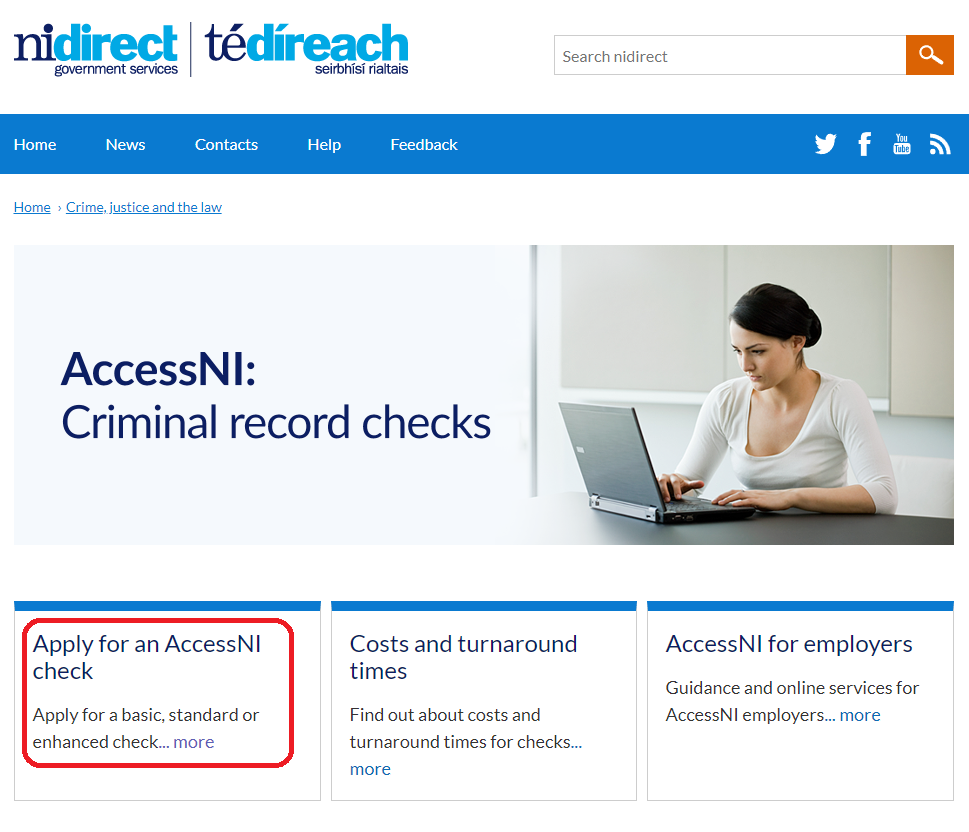
7. Click Apply for an AccessNI Check
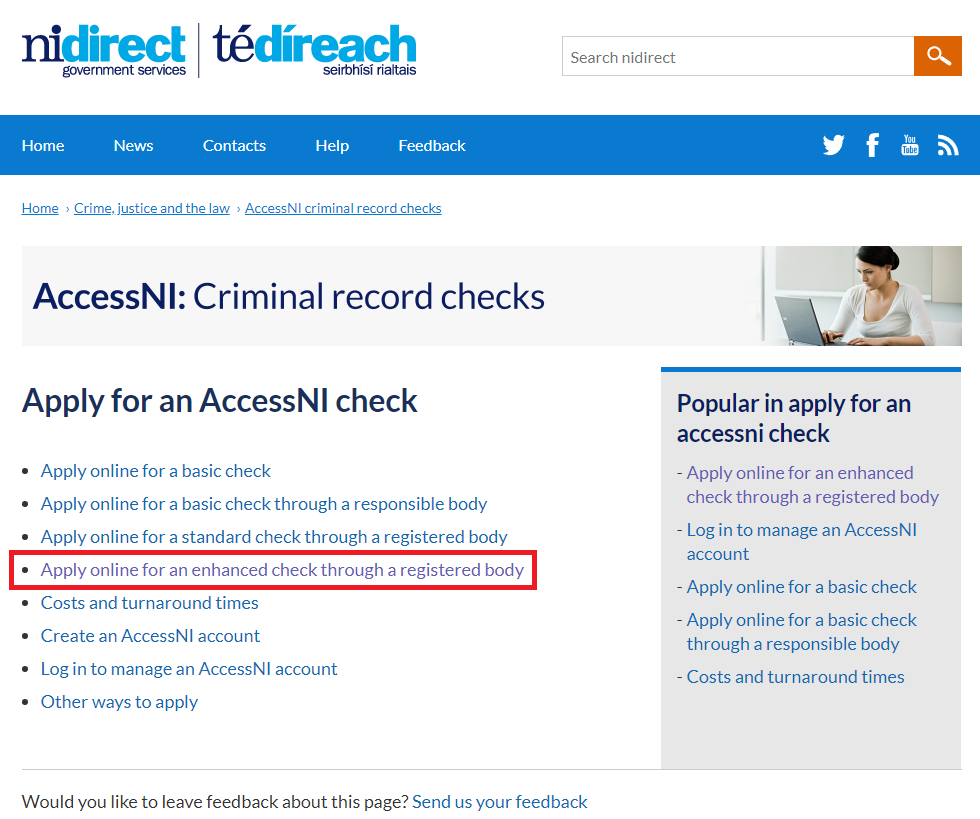
8. Click on Apply online for an enhanced check through a registered body link
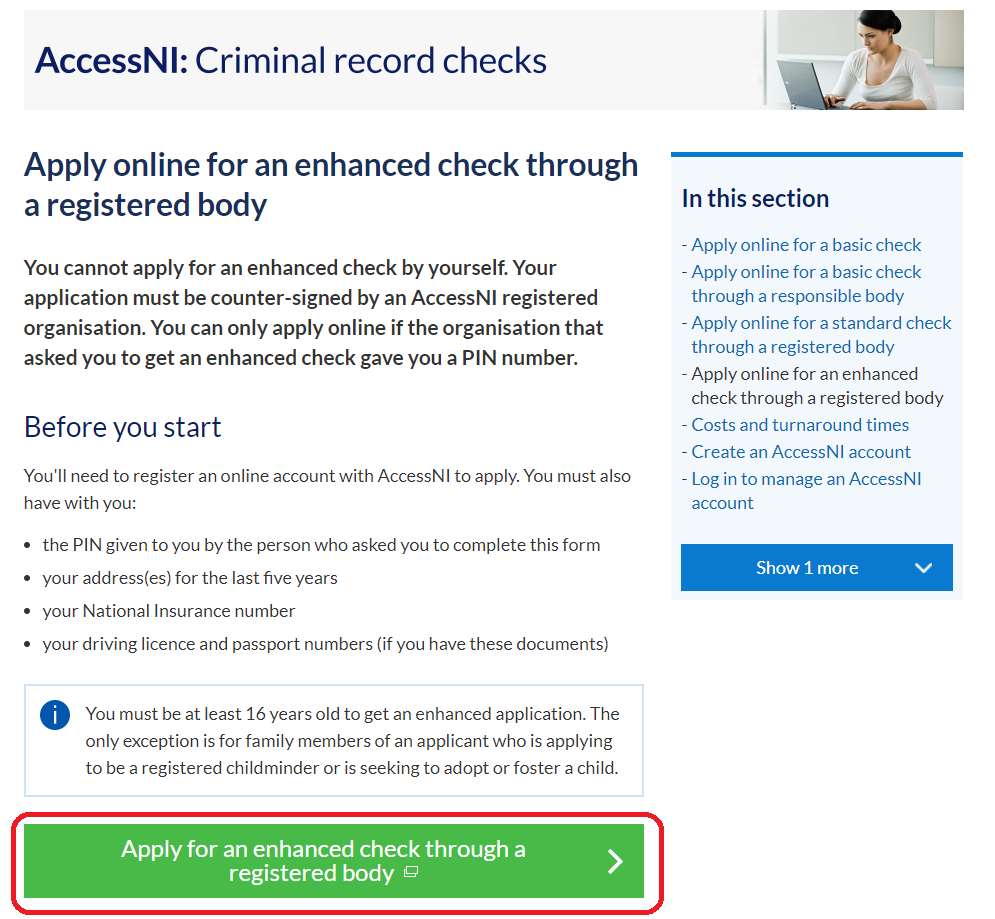
9. Click the big green button
10. Register for a new account using your e-mail address and creating a password – you will need these dates to track the progress of your case
11. Log in to your account
12. When prompted for a PIN code, enter 186591
13. In step 5 for Organisation Reference you should enter “Bloomfield Presbyterian”
14. In step 12 you will be provided with a case reference number, write this 10 digit AccessNI reference number in the Case Reference box at the top of page 3 of the printed application form.
15. Individuals are responsible for posting or emailing their completed form to:
Address:
Safeguarding Office
Assembly Buildings
2-10 Fisherwick Place
BT1 6DW
Email – vetting@presbyterianireland.org